
Planning English–Arabic training videos: a production checklist
Treat a second language as a production requirement from the beginning. Replacing the narration at the end can expose crowded layouts, mismatched timing, or terminology that no longer fits the visual explanation. Agree the language workflow before approving the storyboard.
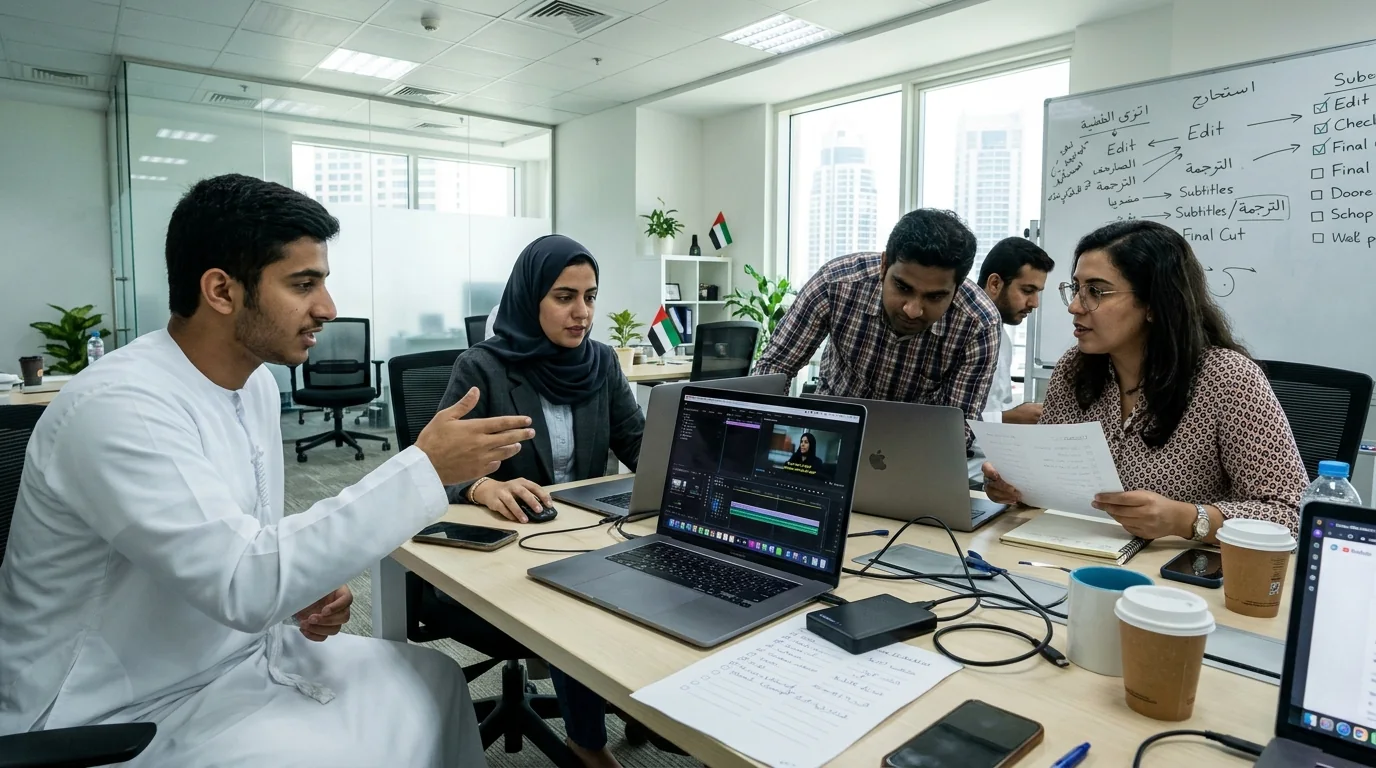
Approve meaning before recording
Prepare a glossary of product names, technical terms, acronyms, and words that must remain in English. Identify the audience and intended Arabic register. Have the translated script reviewed by an appropriate language reviewer and, for technical subjects, a subject specialist. Machine translation can support drafting, but the agreed script still needs review.
Design for both reading directions
Arabic text needs suitable fonts and right-to-left layout. Check punctuation, mixed-language labels, numerals, and line breaks in the actual storyboard. Do not simply mirror a diagram: the physical mechanism, brand marks, and product controls must still represent the real subject correctly.
Allow separate timing
Equivalent explanations can take different amounts of time in each language. Test narration against the storyboard and leave room for labels to be read. Agree whether the project needs separate language exports or one combined bilingual version. A silent display loop may need a different text treatment from a narrated lesson.
Review the exported files
Check the complete viewing experience, not just the script. Read captions on the intended screen size, verify pronunciation of names, and confirm that labels match the narration. Give reviewers the correct language version and a clear way to report time-coded feedback.
- Approved English and Arabic scripts and terminology
- Checked Arabic typography and mixed-language labels
- Narration, captions, and graphics matched in each version
- Correct filenames, language labels, and playback format