
How to brief an educational video production project
“We need an animation” describes a format, but it does not define the job. A stronger brief explains who will watch, what they should understand afterwards, and where the video will be used. Those decisions guide the script, visual style, and production scope.
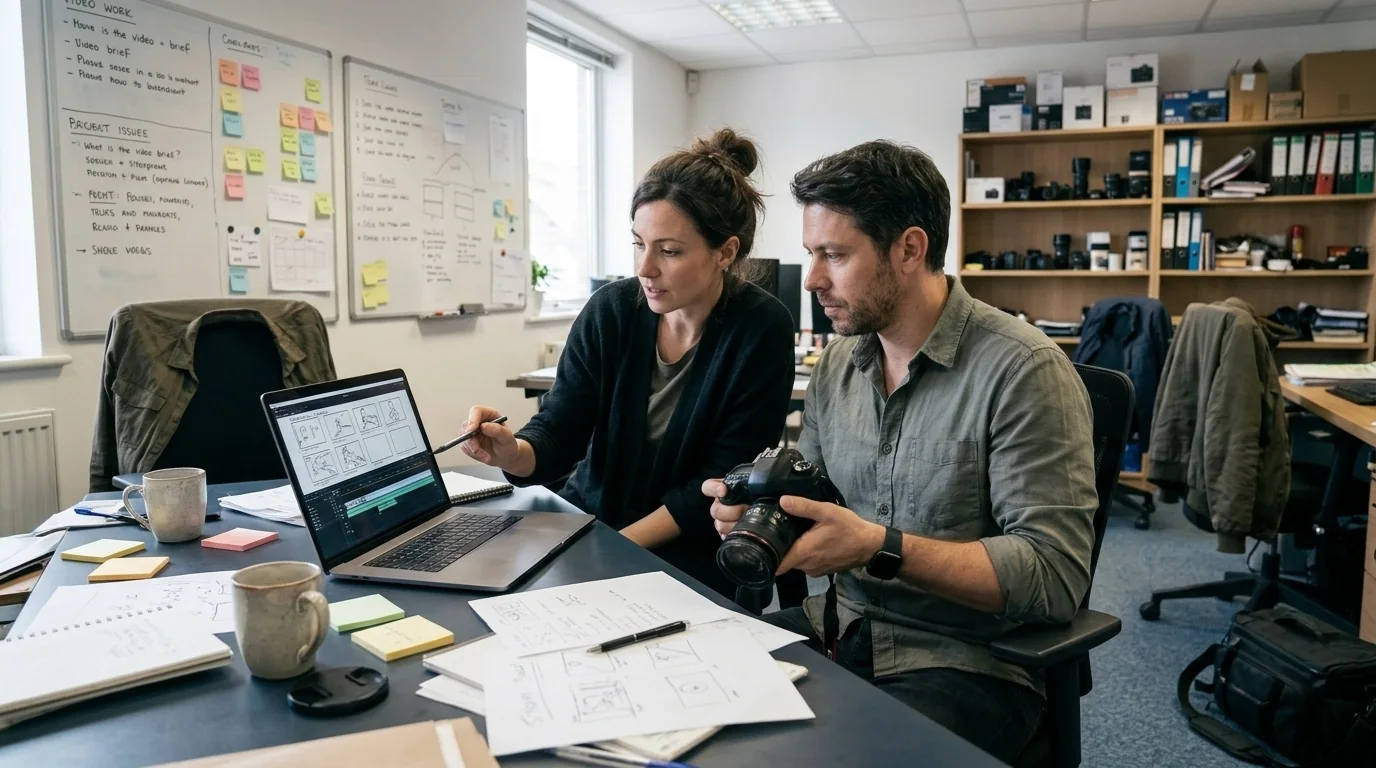
Choose one learning outcome
Describe a specific change in understanding: identify a component, explain a process, or follow a product demonstration. Avoid putting an entire training manual into one short video. If the topic has several separate outcomes, ask whether it should become a short series rather than one dense production.
Give the production team reliable source material
Share approved notes, diagrams, product images, reference documents, and terminology. Identify a subject specialist who can check the script and visuals. For a technical explainer, mark which details must be accurate and which can be simplified. Confirm permission to use supplied images and brand assets.
Specify the viewing context
A phone-based lesson, classroom projection, exhibition loop, and internal training video need different treatments. Decide whether viewers will hear audio and whether captions are required. Use these decisions to agree the format before animation begins.
- Audience and intended learning outcome
- Viewing platform, aspect ratio, and approximate duration
- Narration, captions, and required languages
- Examples of visual styles you like, with reasons
Agree approval stages and deliverables
Set review points for the script, storyboard, and animation. Nominate one person to consolidate feedback. Ask the quotation to define revision rounds, final video formats, source-file arrangements, usage rights, and the delivery schedule. A change to an approved script can require new visuals and narration, so clarify how scope changes are handled.